
 Premium time tracking
Clock in, track pay, and understand your workday.
OnClock is a modern clock-in/clock-out app for hourly workers, contractors, freelancers and students who want beautiful, private shift tracking.
- 30-day free trial
- $2.99/mo or $29.99/yr
- No ads · No tracking
Your hours and pay, without the spreadsheet.
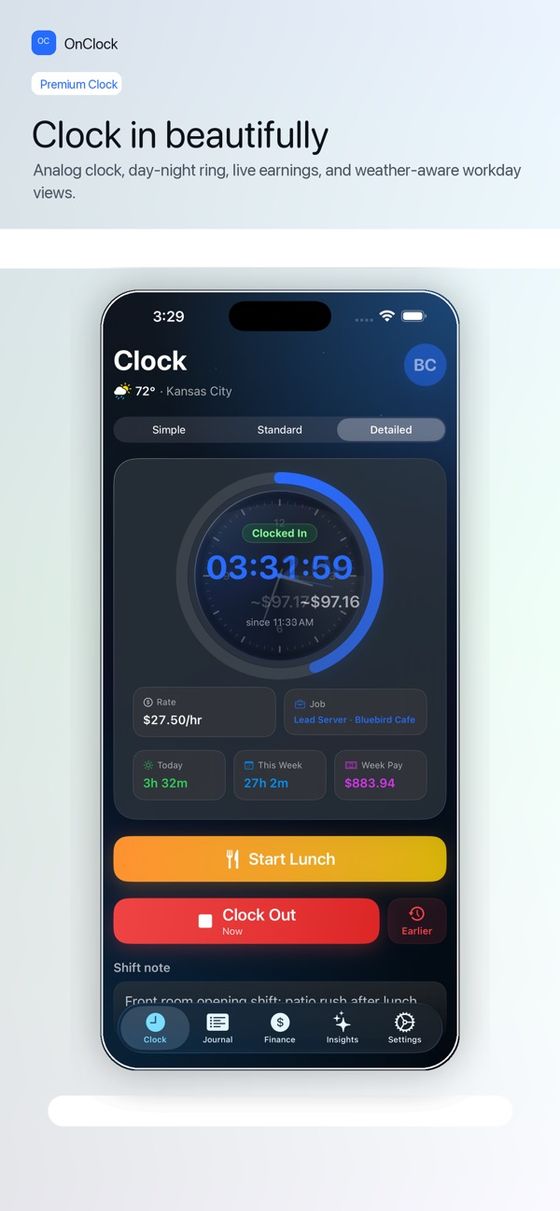
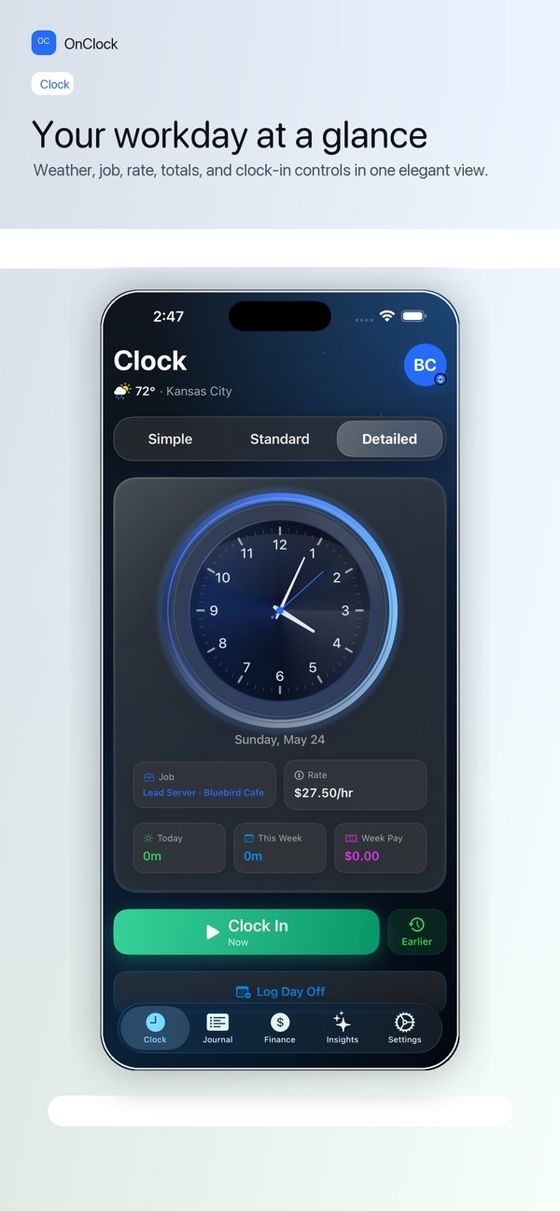
One-tap clock in
Clock in, start lunch, return from break, and clock out with a simple daily flow.
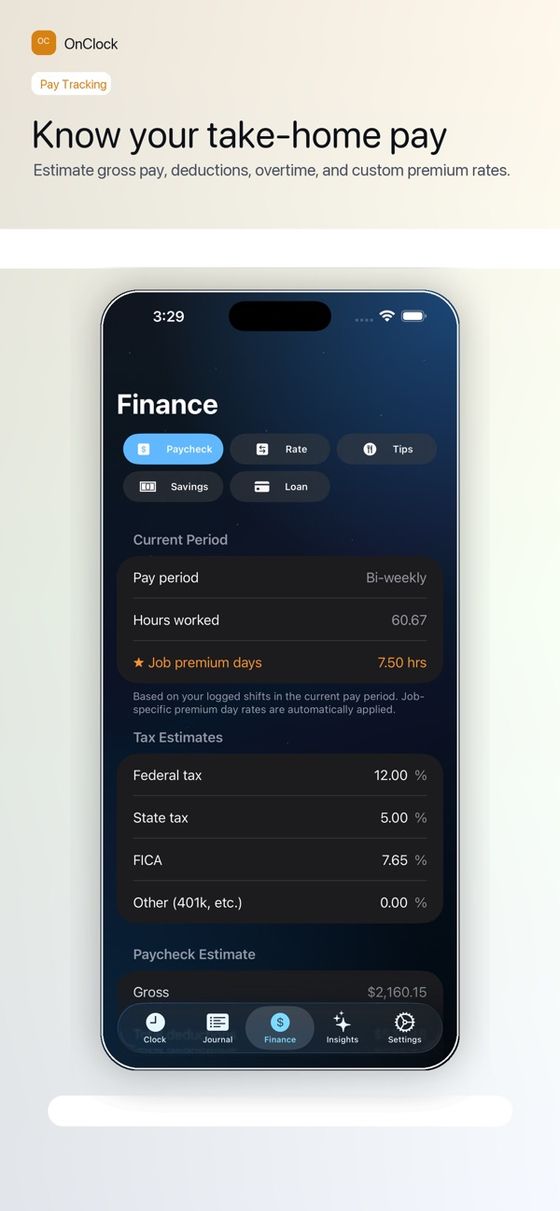
Pay you can see
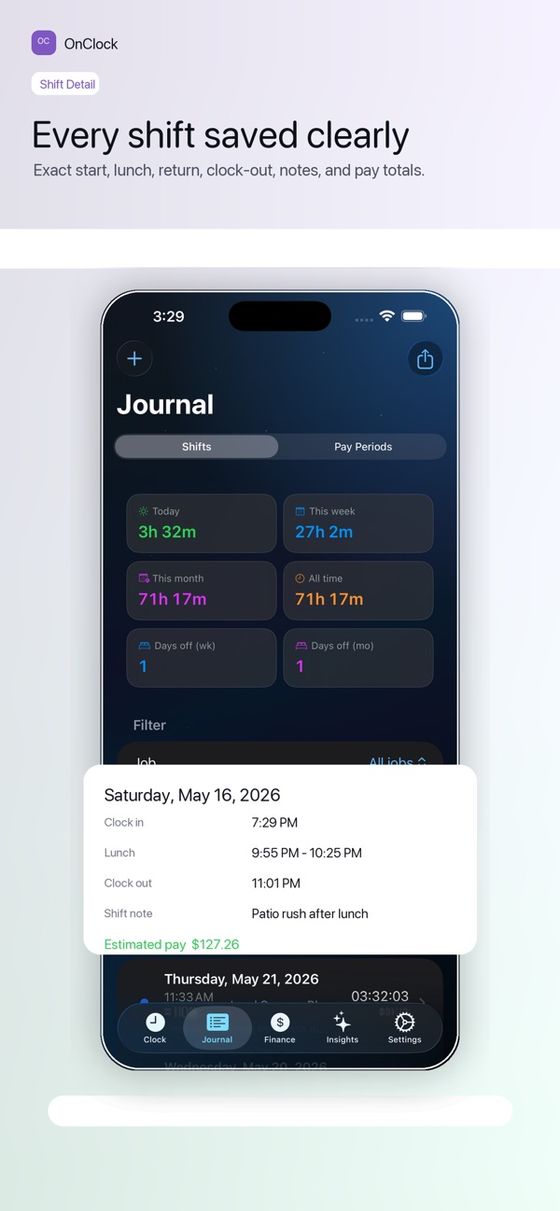
Estimate earnings by shift, day, week, job, and pay period — including overtime.
A real work journal
Notes, breaks, tags, and editable shift details for every workday.
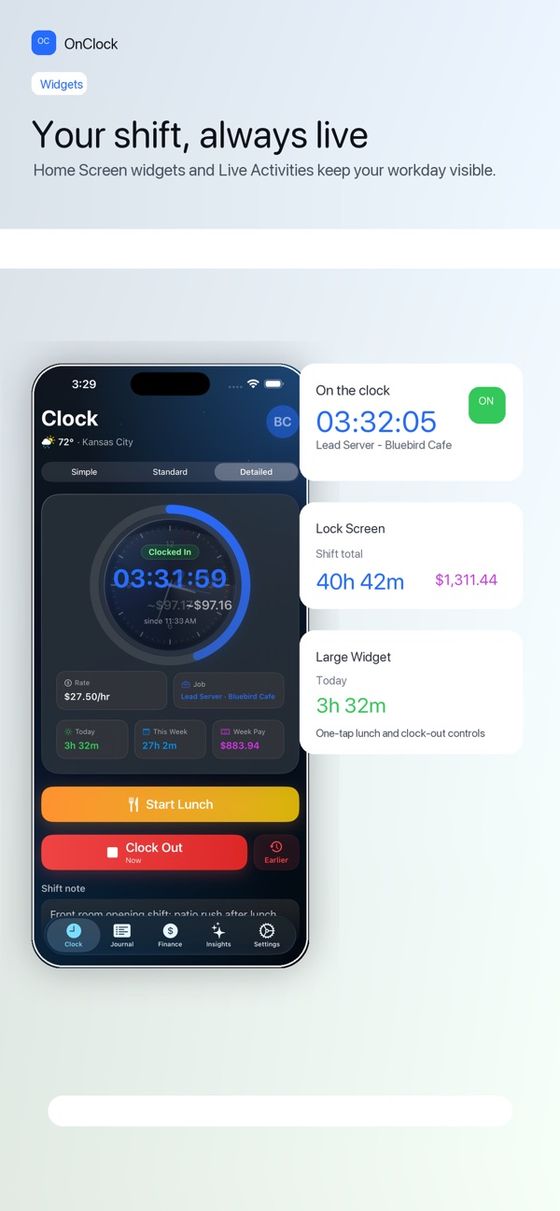
Widgets & reminders
Widgets and local reminders keep your current workday visible.
Private insights
Review insights from your own shift history — no third-party analytics.
Multiple jobs
Track more than one job and see each one's hours and pay.
Built to feel Apple-native
Try it free for 30 days.
Billed through Apple subscriptions. Cancel any time in Settings.
per month after the trial
per year after the trial
third-party ads, analytics or trackers
Who is OnClock for?
Hourly workers, contractors, freelancers, students, and anyone who wants private shift tracking for their own hours and pay.
How much does it cost?
Free for 30 days through an Apple free trial, then OnClock Pro at $2.99/month or $29.99/year.
Is my data private?
No third-party ads, no third-party analytics, and no tracking. See the Privacy Policy.
Can it estimate overtime and multiple jobs?
Yes — OnClock Pro tracks shifts, lunch breaks, pay estimates, overtime, jobs, and notes.
Is OnClock a team timesheet tool?
No. OnClock is built for one person tracking their own shifts and pay. If you need to manage a team, a team timesheet product is a better fit.
Clock in with OnClock
Available on the App Store for iPhone.